◐
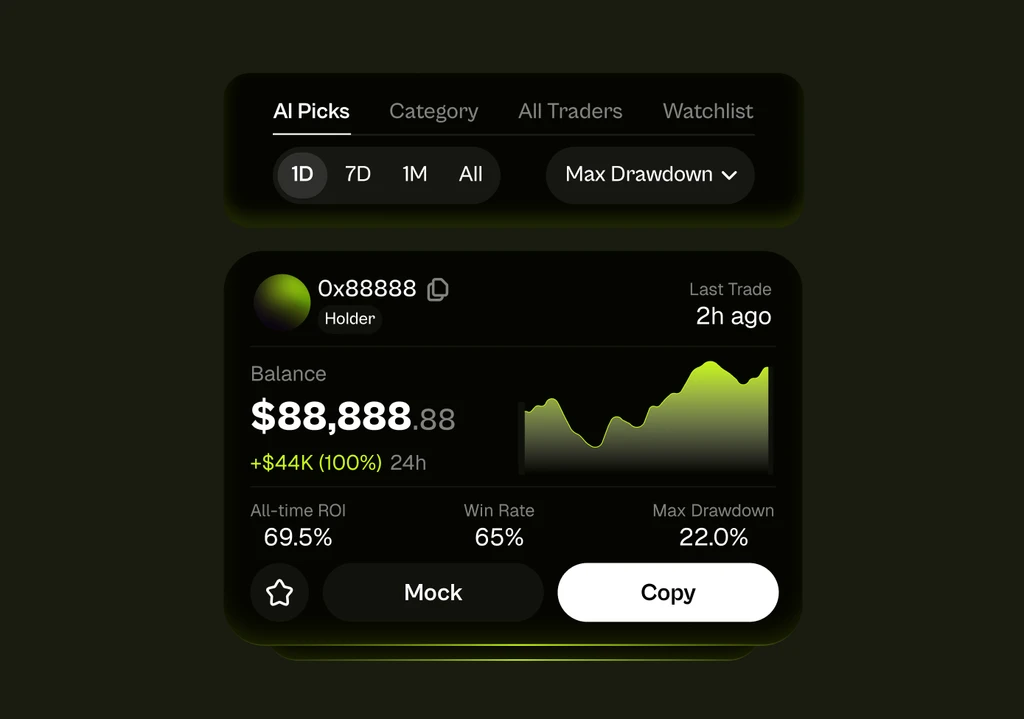
Trader Discovery
Surface the best traders, instantly.
Connect Coinpilot through supported agent platforms and let your AI agent copy trade across crypto, prediction markets, and stocks.
How it works
Install the skill, generate your API key, and save your credentials file so your agent can trade through Coinpilot.
Add the Coinpilot skill to your OpenClaw agent through ClawHub and connect it to your trading setup easily.
Open the Coinpilot app and download your agent skill credential file from Profile → Settings → Export Wallet.
Add your sub-wallet private keys to the Coinpilot JSON file so your agent can execute copy trades securely through follower wallets.
Let your OpenClaw agent discover traders, start or stop copy trading, adjust risk settings, and monitor portfolio performance.
Ask your agent: “What’s my current balance on Coinpilot?” If it returns your balance, you’re set.
What your agent can do
Trader discovery, copy trading, risk controls, live PnL, and auto rebalancing - all in one execution stack.
Surface the best traders, instantly.
Adjust exposure, stop-loss levels, and allocation as markets move.
Vet a wallet before you copy.
Track real-time PnL, balances, and performance across every sub-wallet.
Start mirroring in one sentence.
Set your target strategy once, then let your agent rebalance continuously.